One studio for three image jobs

Make the image. Keep what matters.

Create original images, move a face into a new pose, or place artwork on a product. Meldry runs all three through the ChatGPT session you connect.

No API key to paste Uses your ChatGPT session Exports 4K PNGs
Output galleryChoose a workflow to inspect its brief and settings
meldry / studioChatGPT connected
Final renderReady
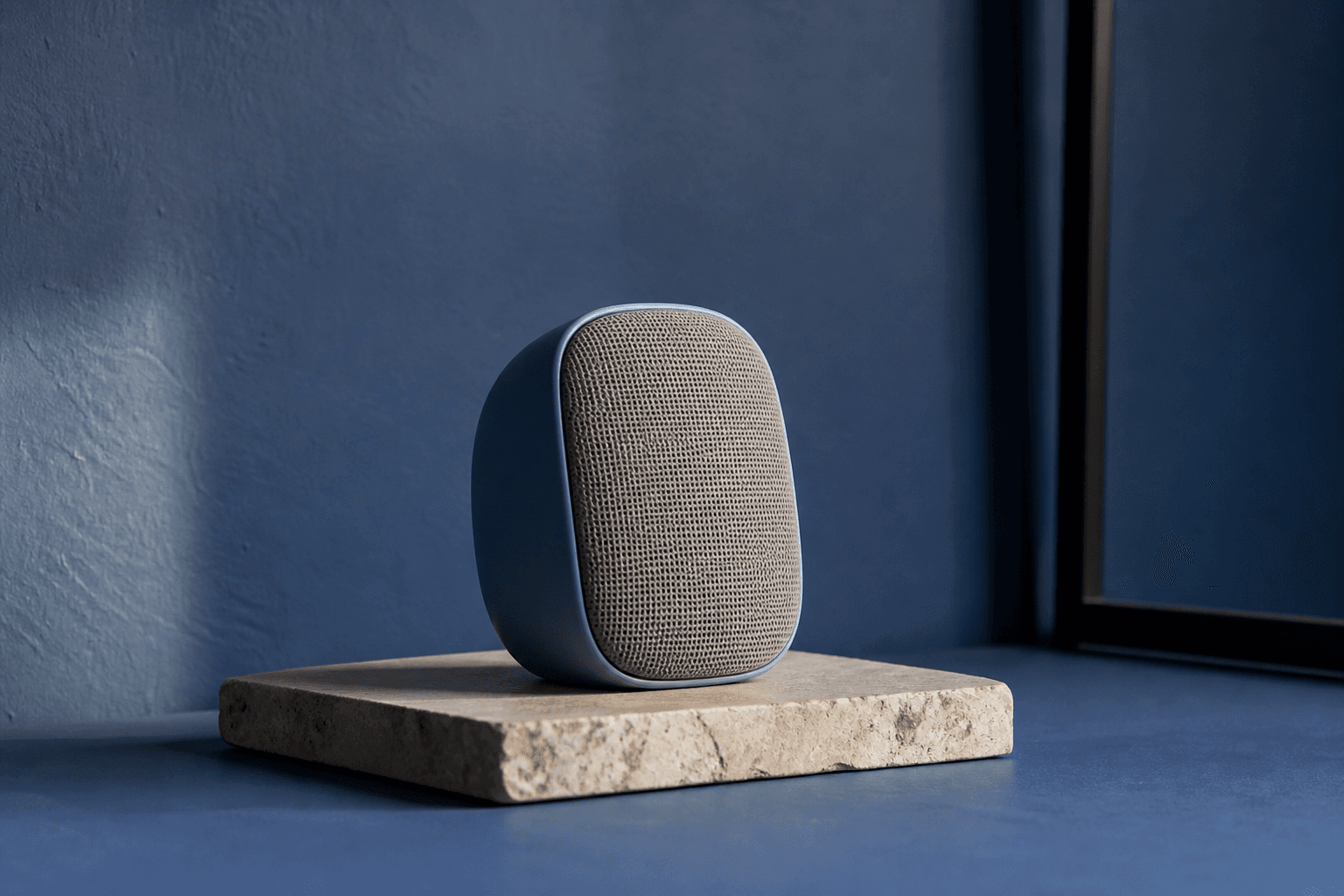
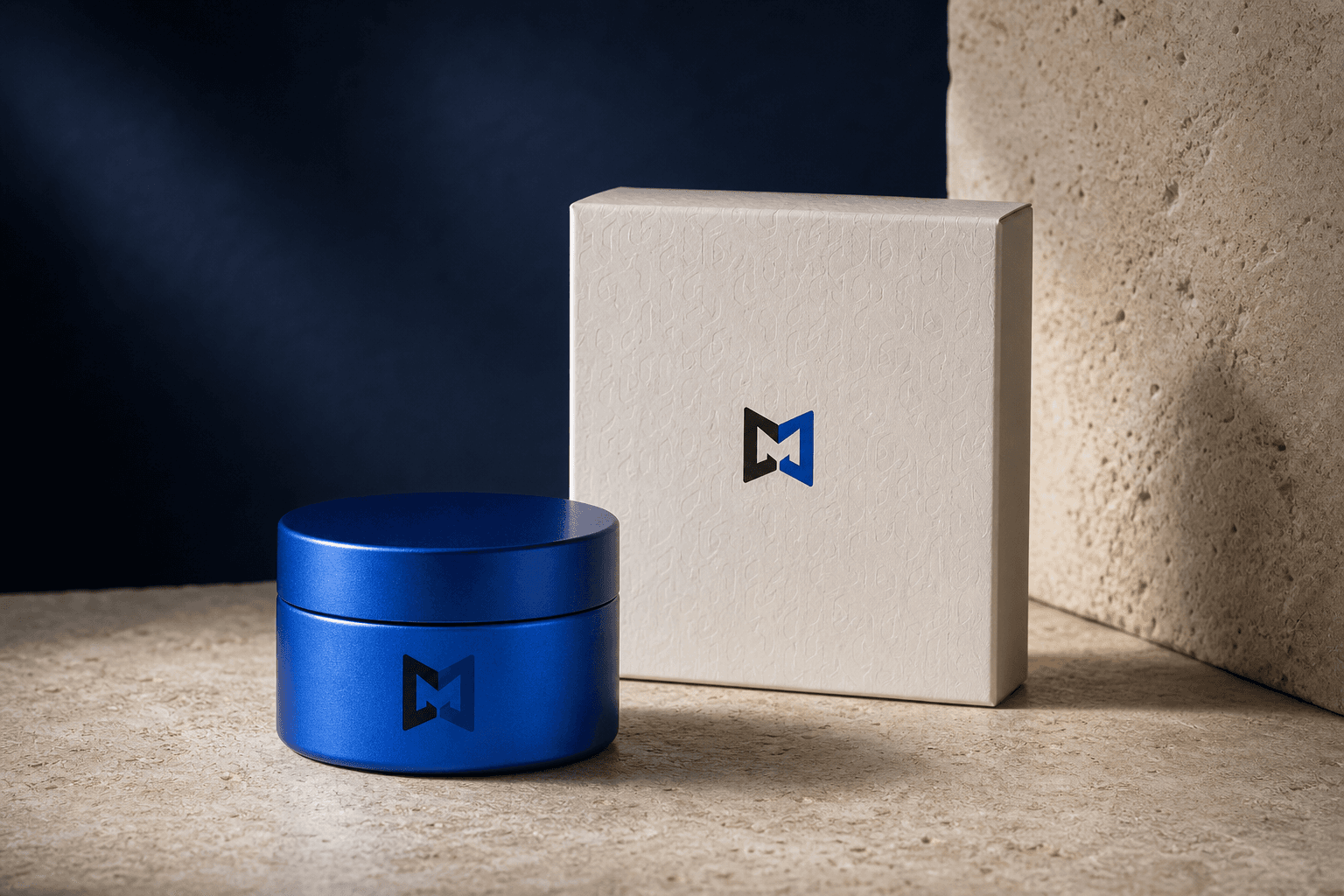
Editorial photograph of a ceramic speaker on a limestone plinth in a cobalt room
Export ready4K PNG
Workflow outputs
The three workflows

Each job runs from brief to final image.

Bring the inputs the job requires. Meldry writes the production prompt, renders the image, and keeps four versions ready to compare.

Standard02outputs
Workflow outputEditorial product · 4K PNG
Original image

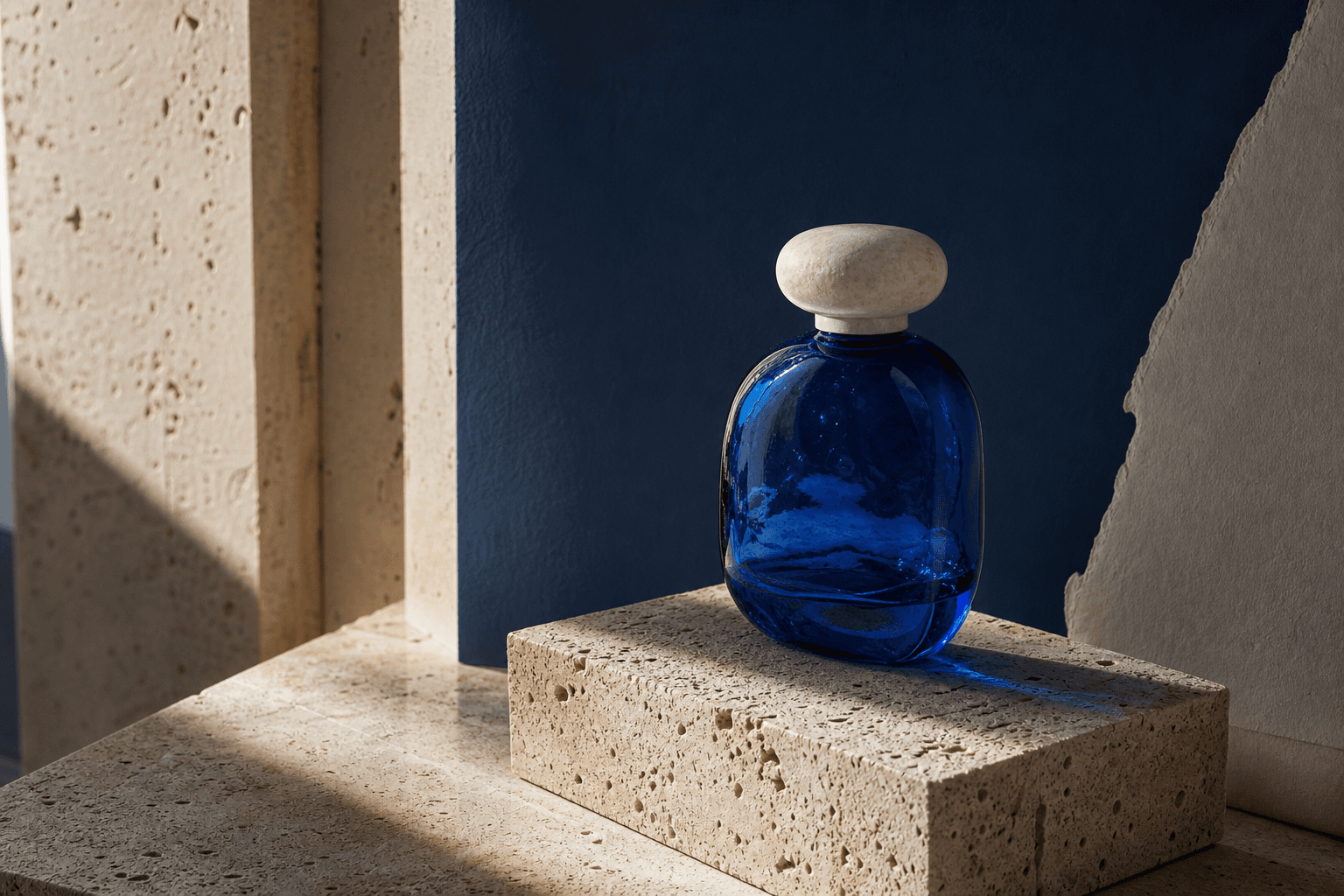
Create

Write a brief and add up to two optional references. Meldry turns the inputs into a structured production prompt and renders the final image.

  • Brief improvement
  • Up to 2 visual references
  • 4K PNG export
Open create
Face swap02outputs
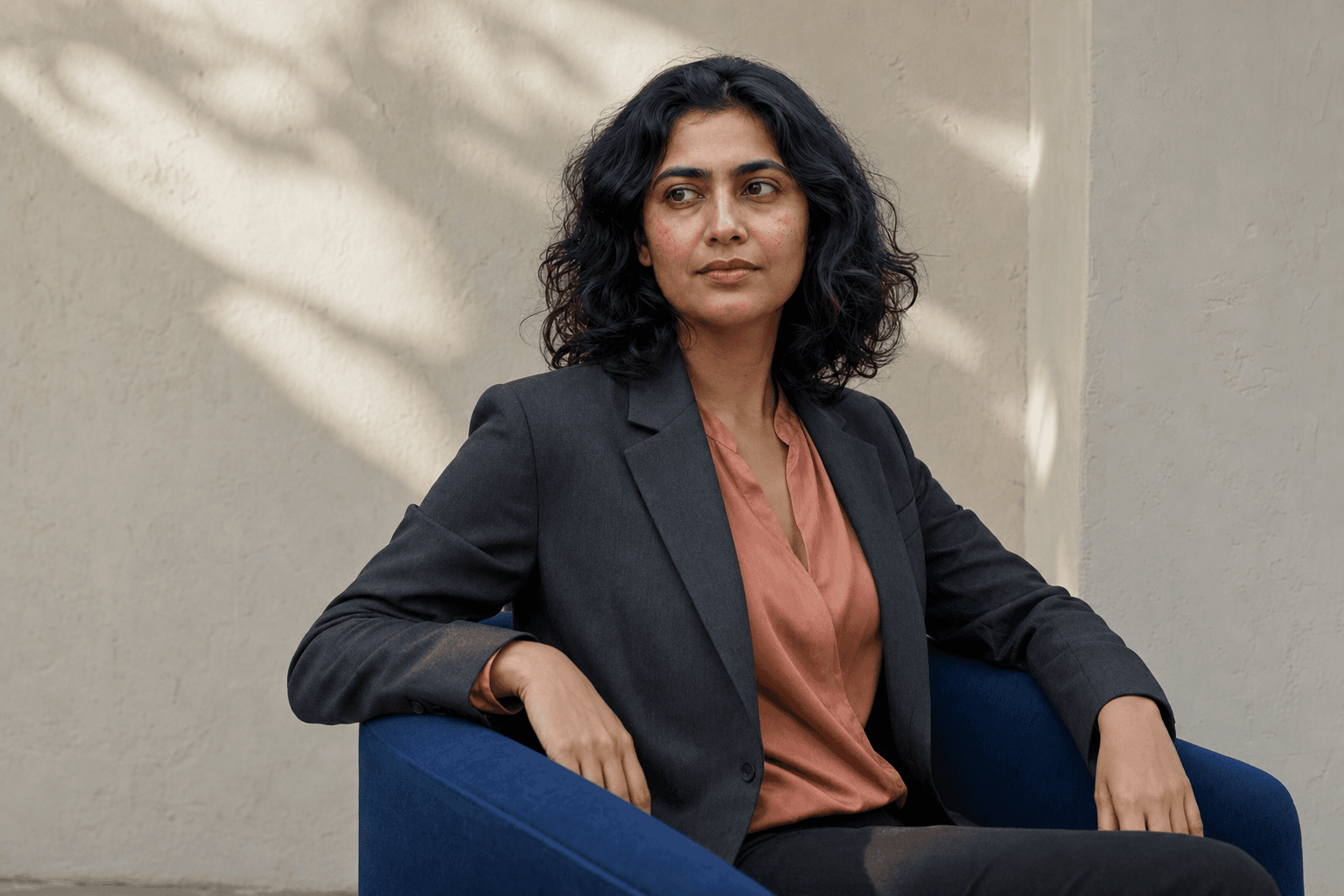
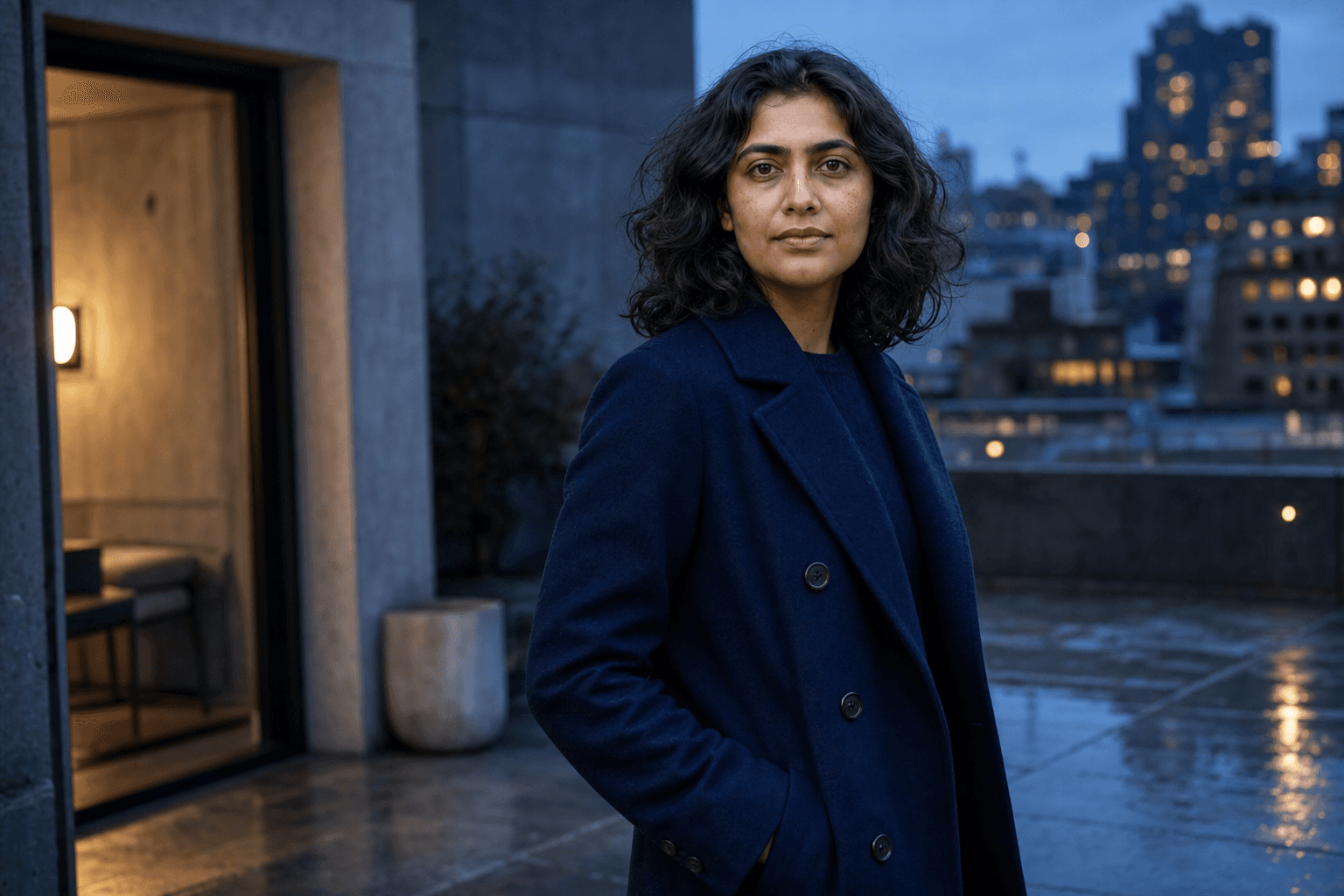
Workflow outputIdentity preserved · Natural light
Identity + pose

Keep the same face

Add one image for identity and another for pose, framing, and light. Confirm permission, then refine the scene while the face stays locked.

  • Identity image + target pose
  • Face lock during edits
  • Permission required
Open face swap
Mockup02outputs
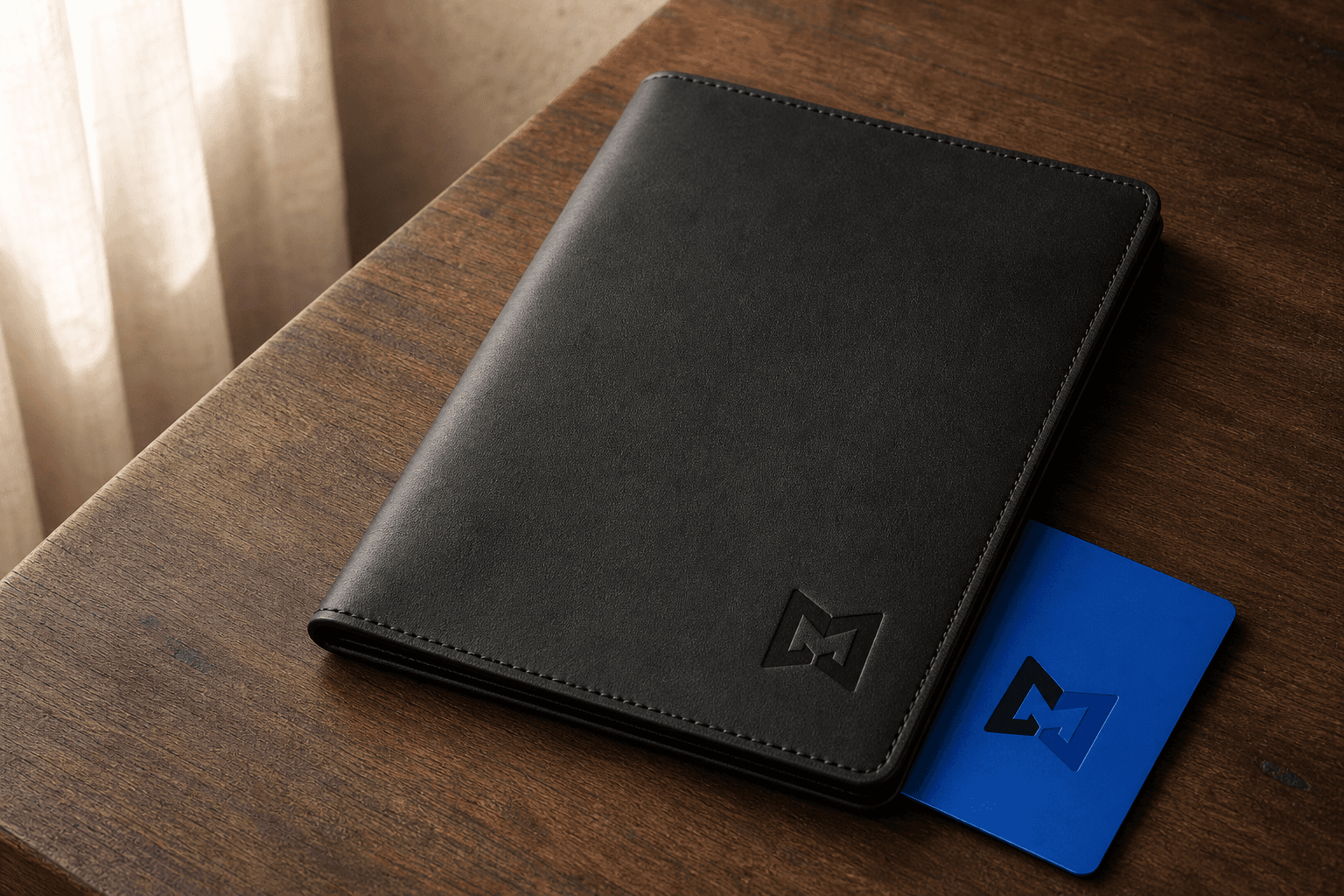
Workflow outputArtwork preserved · 2 surfaces
Artwork + surface

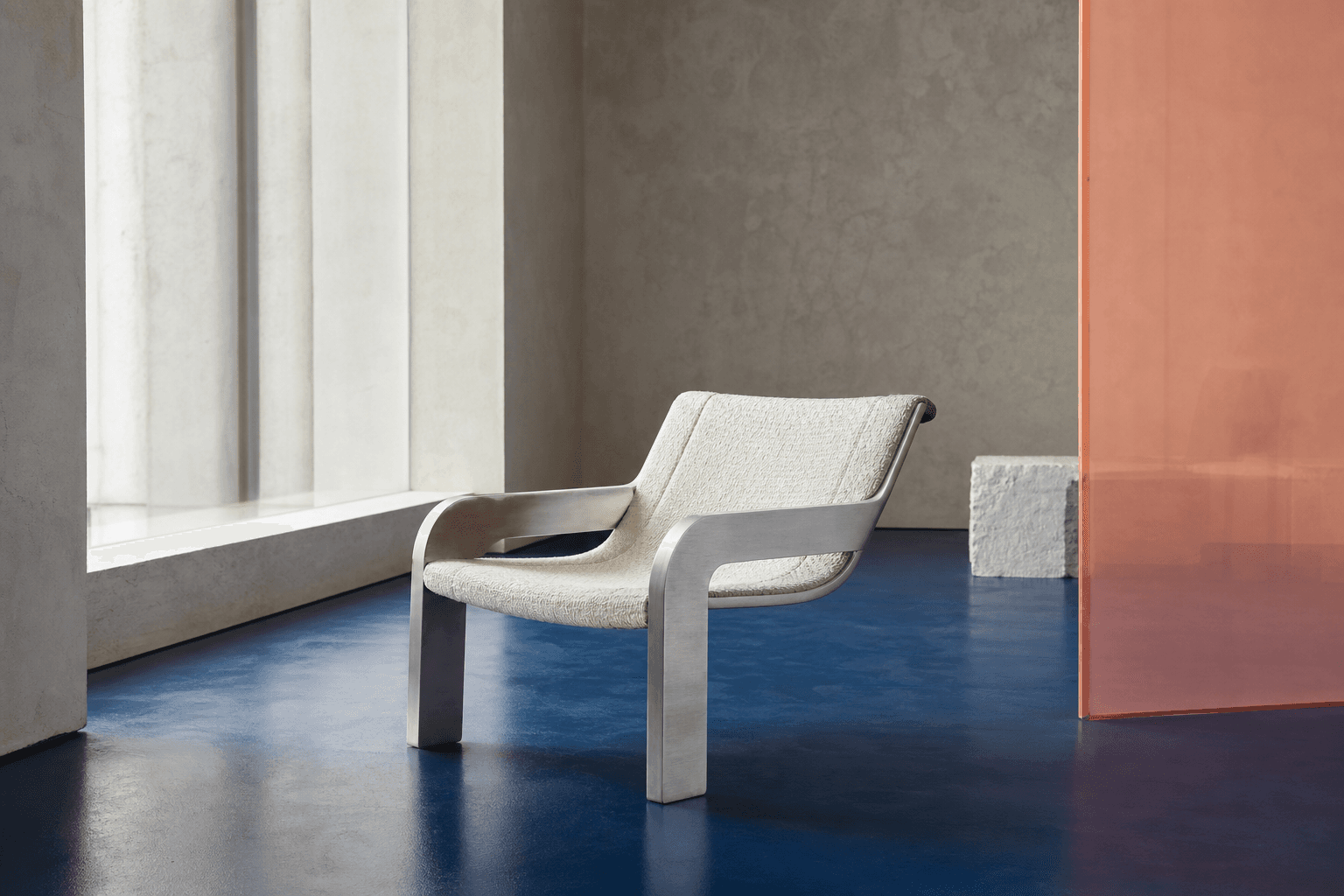
Place artwork on a product

Upload a logo or design, choose up to four product surfaces, and render the artwork in the scene you provide or describe.

  • Artwork lock
  • Optional scene reference
  • 1–4 product variations
Open mockup
From input to export

Meldry carries the job between models.

You shape the image. Meldry passes the brief and references to your selected ChatGPT model, checks the production JSON, sends it to GPT Image 2, and keeps four recent renders ready to compare.

Open the working studio
  1. 01Bring the briefDescribe the job and attach the references that define the result.
  2. 02Build the promptYour selected ChatGPT model turns the inputs into validated image-production JSON.
  3. 03Render with GPT Image 2GPT Image 2 uses the JSON and visual references to render the image.
  4. 04Compare and refineKeep up to four versions, then edit the full image or mark one region.
Your account, your session

Meldry runs through ChatGPT.

Sign in with OpenAI OAuth, choose an available prompt model, and generate through the ChatGPT session you control.

Read the privacy approach
OpenAI handles sign-inMeldry never asks for your OpenAI password.
Face and artwork locksWorkflow constraints carry into follow-up edits.
Four recent rendersCompare or restore versions kept in the current tab.
Start with one real brief

Choose a workflow and make the image.

Open the studioSign in with ChatGPT when you are ready to render.